
INFO
This project is a Castlevania-inspired 2D action platformer developed in Unreal Engine. It was created as a solo project alongside my full-time game studies over approximately 3–5 weeks. The goal of the project was to create a playable prototype while improving my skills in Unreal Engine, C++, and Blueprints. I was responsible for all programming, using a combination of C++ and Blueprints to implement Gameplay systems such as player movement, combat, and enemy behavior. Most visual assets used in the project are free assets, with a small amount created by me, meaning the main focus of the project was gameplay programming and system implementation.
Player Character
The player character uses a custom 2D movement system created from the ground up in C++. Since the game is a 2D side-scroller, the character is restricted to movement on the X and Z axes.
The player is built from a shared base character class that is also used by enemies. This base class handles common functionality such as health, damage handling, and attack values, making it easier to reuse and expand character behavior across the project.
The main focus was to create a responsive player controller with movement, combat, and damage feedback that fits the Castlevania-inspired style of the game.
Player Abilities
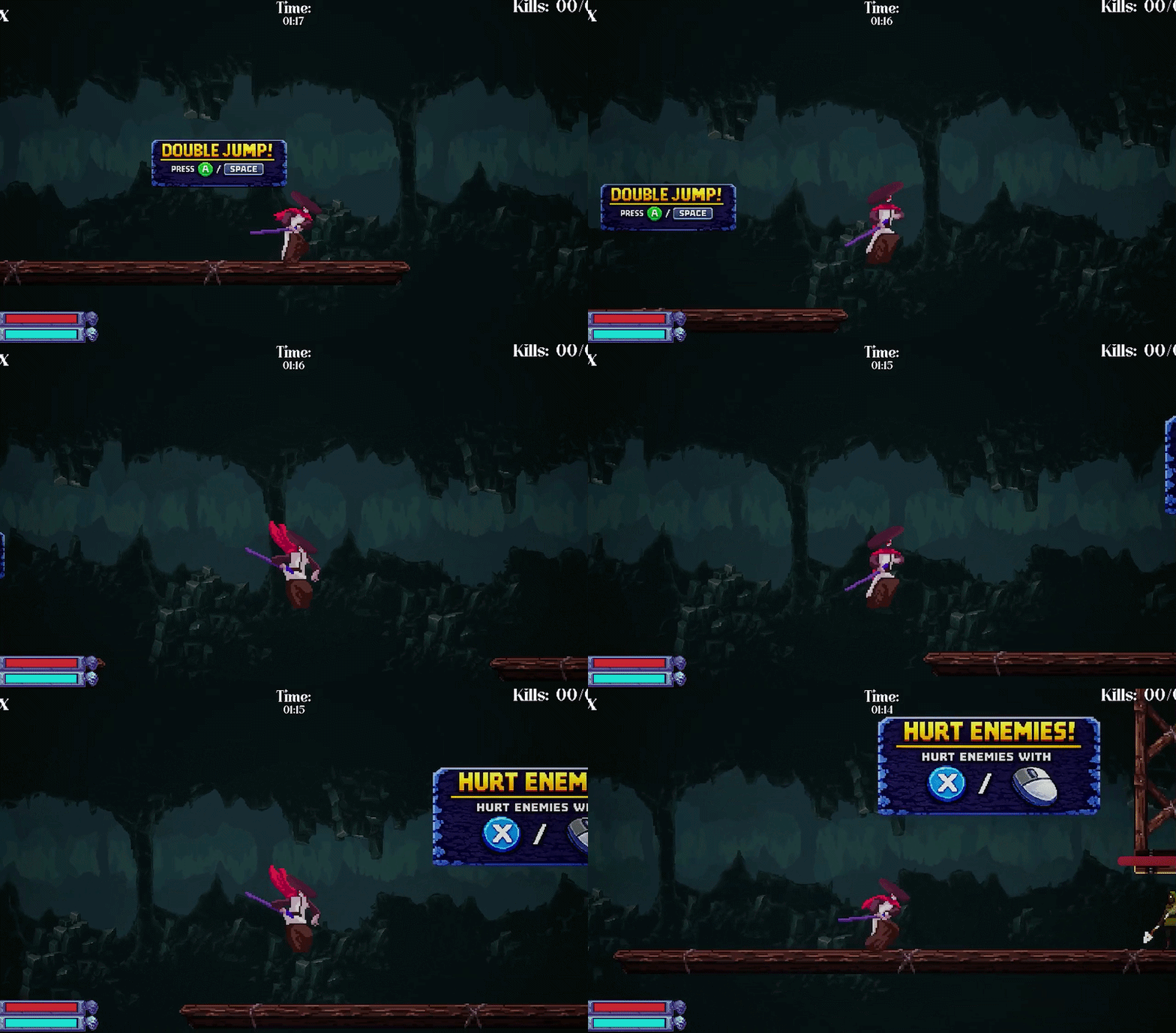
Double Jump
Allows the player to perform a second jump in mid-air, giving more control during platforming.
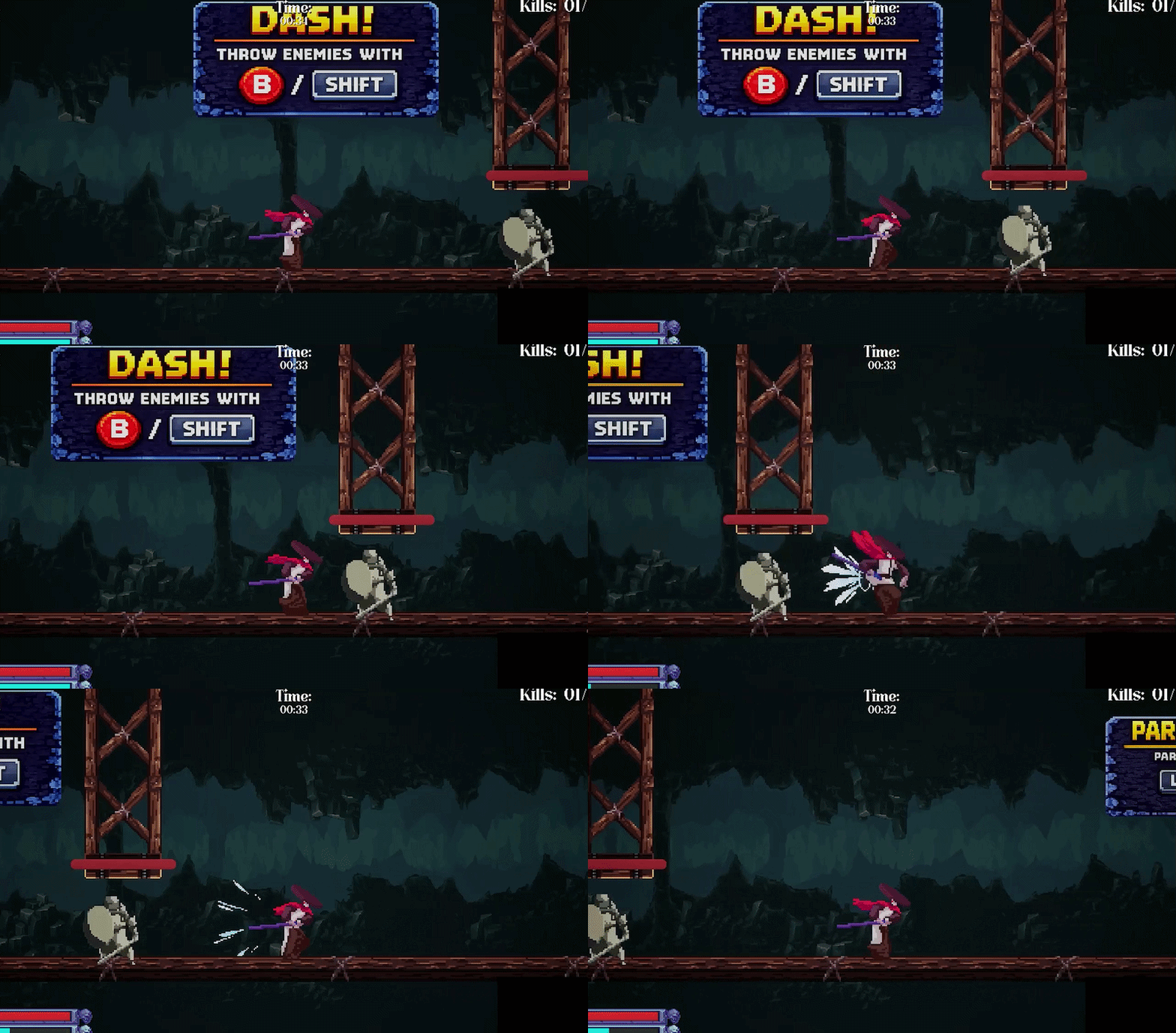
Dash
Lets the player quickly dash forward and pass through certain enemies and objects.
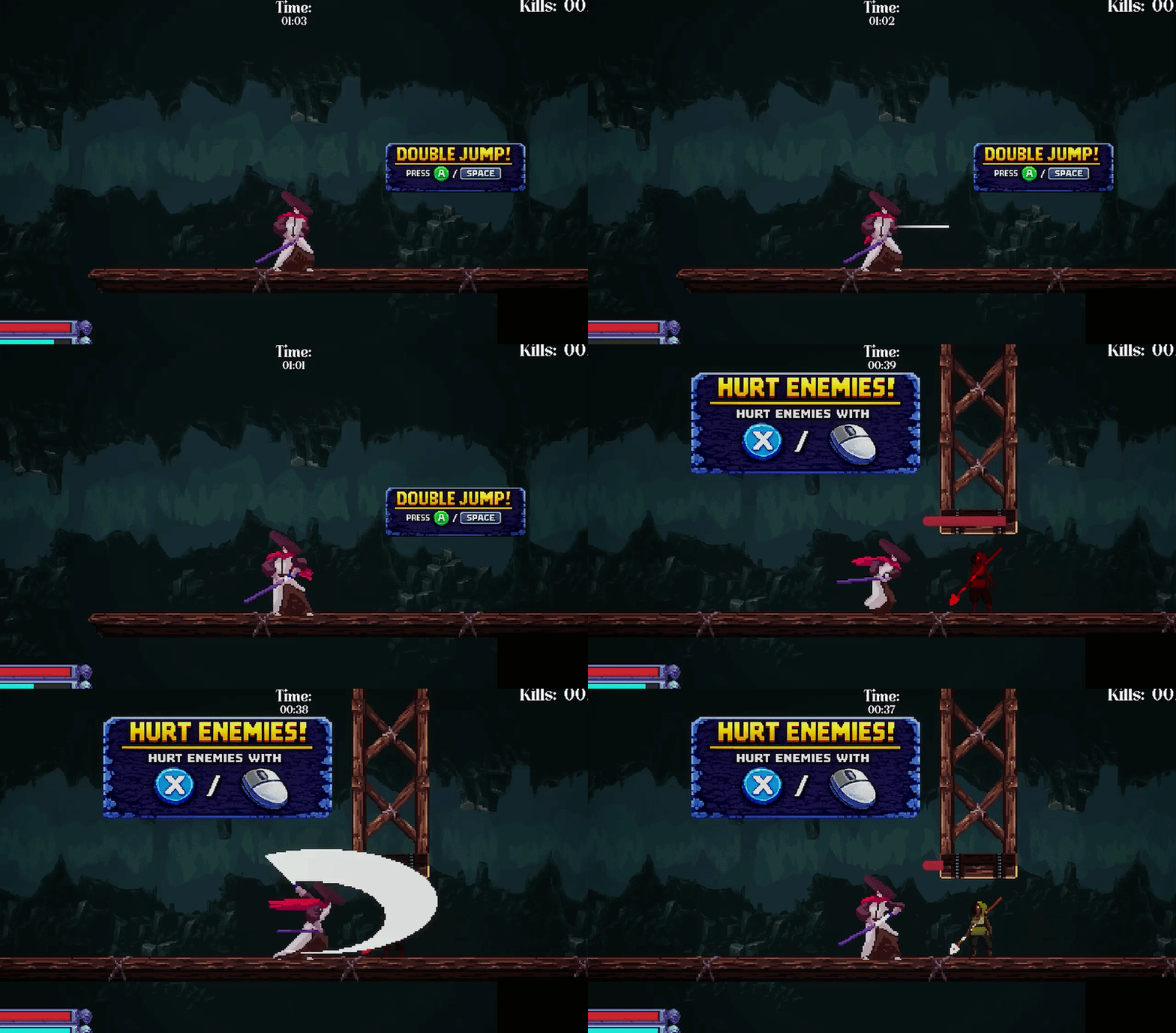
Attacks
A close-range melee attack used for fighting enemies directly. A ranged attack that allows the player to hit enemies from a distance.
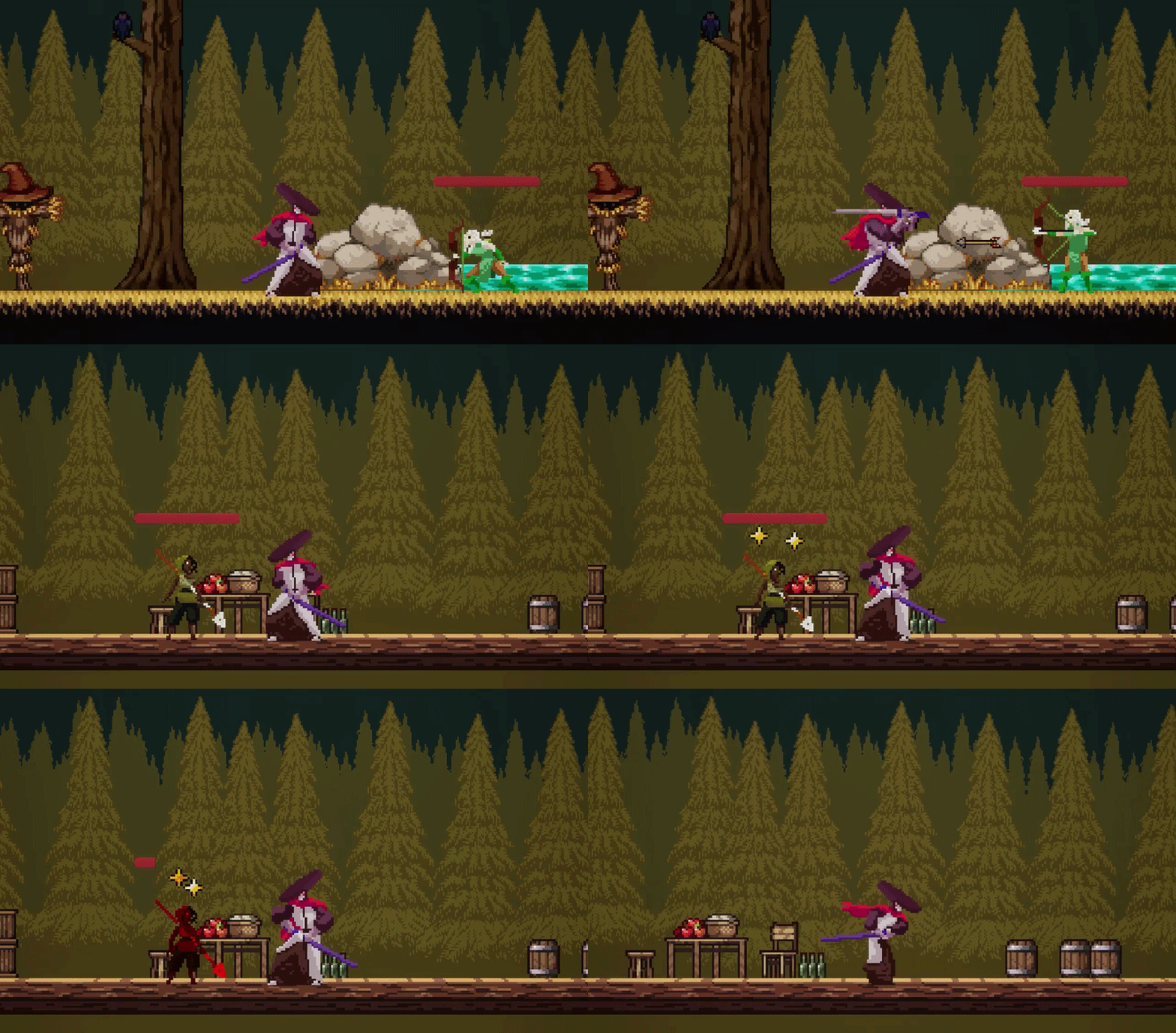
Parry
If the player blocks at the right time, they perform a parry. A successful parry can either send projectiles back or stun enemies, rewarding precise timing.
Damage and Knockback
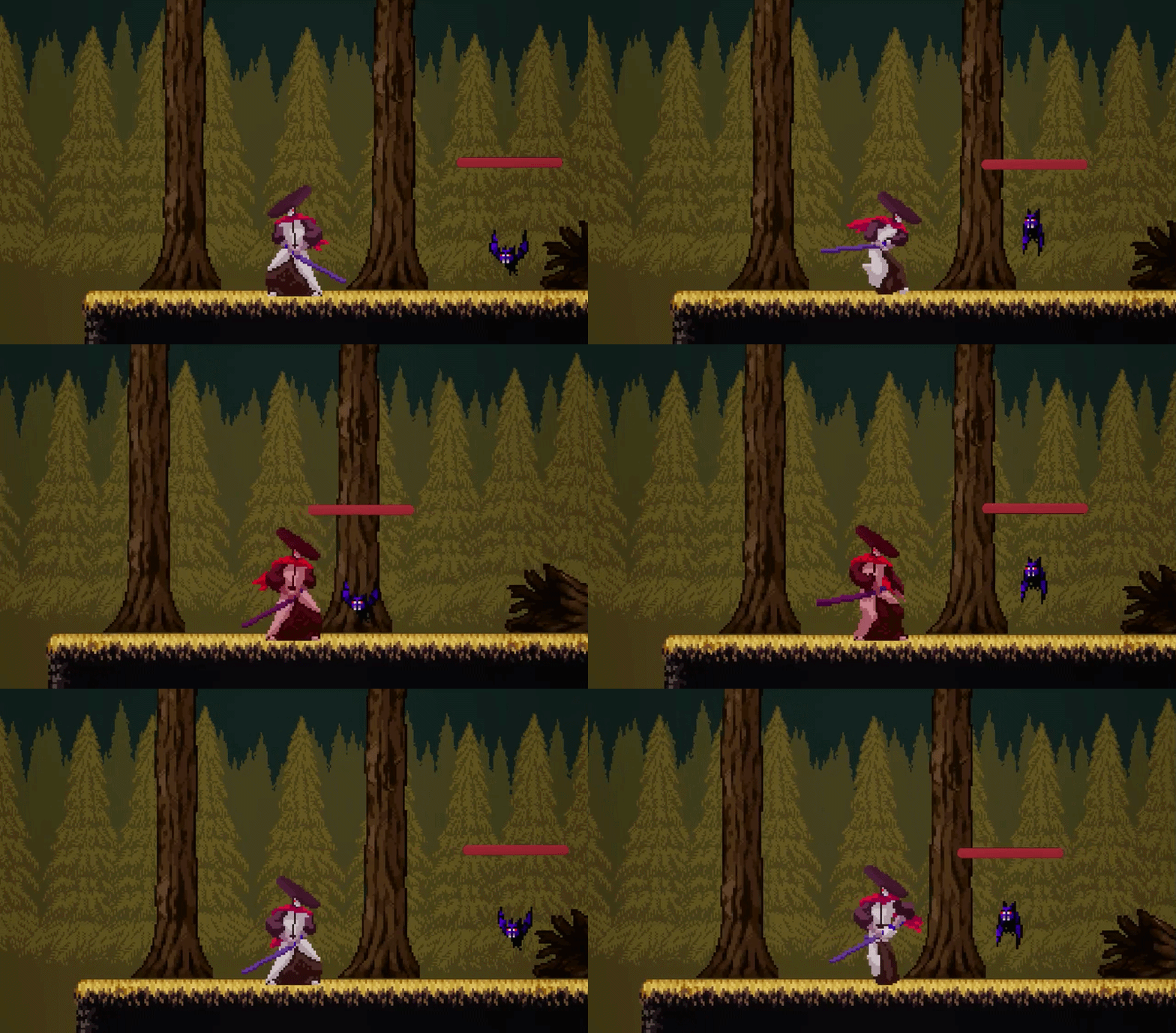
When hit, the player loses health and is knocked back, giving clear feedback and impact from enemy attacks.
Enemy System
The game includes six different enemy types, all built from a shared enemy structure using both C++ and Blueprints.
The enemy system starts with the same base character class used by the player. This base class handles shared character functionality such as health points, attack points, and changing health when taking damage.
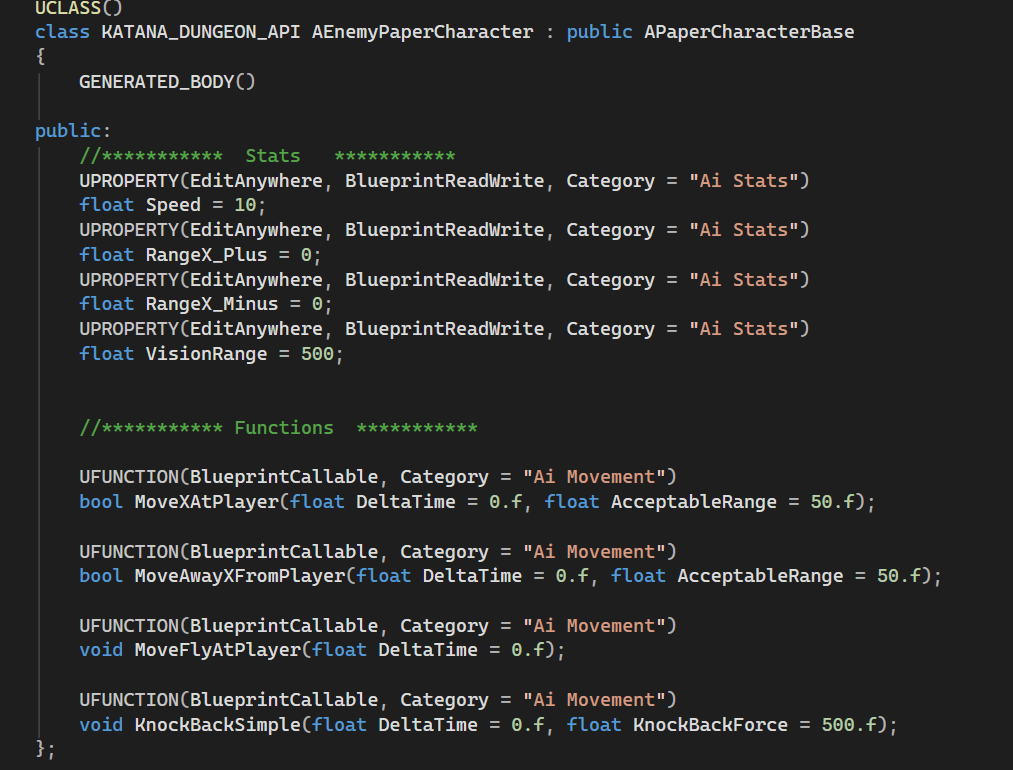
On top of that, I created an EnemyBase C++ class, which contains enemy-specific functionality such as movement values, vision range, moving toward or away from the player, flying movement, and simple knockback behavior.
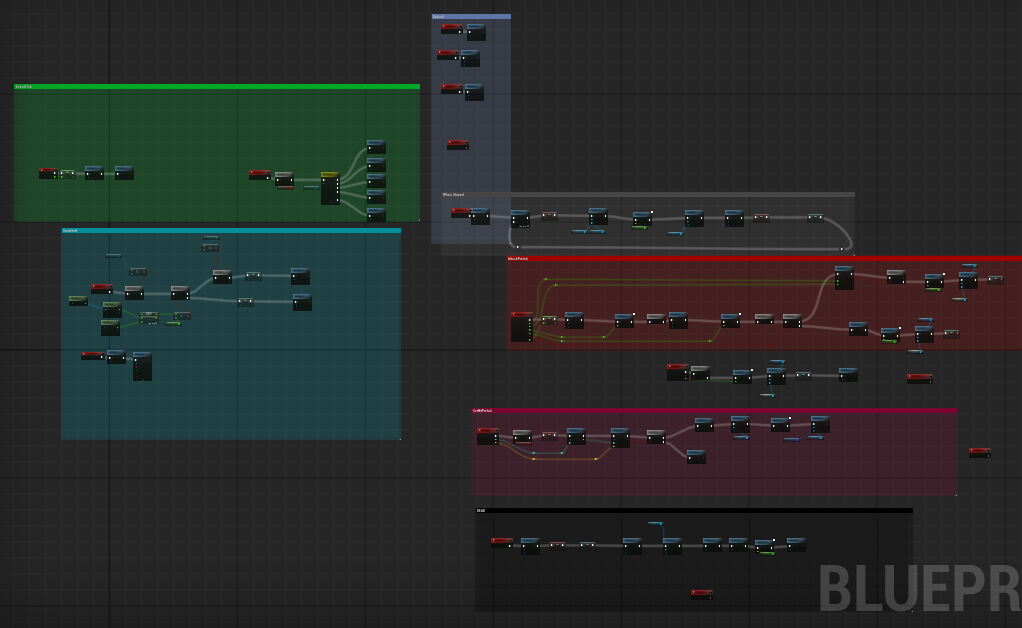
I then created an EnemyBase Blueprint from the C++ class. This Blueprint layer handles functionality that is easier to manage visually in Unreal, such as changing enemy states, switching sprites, and setting up enemy-specific behavior.
Each individual enemy is then created from the EnemyBase Blueprint. This allowed me to keep each enemy’s own code and Blueprint logic small, organized, and easier to maintain.
Enemy Class Structure
Base Character C++ → EnemyBase C++ → EnemyBase Blueprint → Individual Enemy
Level and Score System
The levels in the game are controlled using structs and data tables in Unreal Engine. Each level has its own data table row containing information such as the level name, time limit, required kills, and which level should load next.
This made the level system easier to manage because important values could be changed directly in the data table instead of being hardcoded. For example, I could quickly adjust the time limit, change how many enemies the player needed to defeat, or decide what level should come next.
I also used a separate data table for the scoring system. This table controls what score the player receives depending on the time, and which level the score belongs to. This made it much easier to balance the game, since I could change score requirements and timing values without needing to rewrite code.
Overall, this approach made the project more flexible and easier to balance during development


Conclusion
The main goal of this project was to improve how I structure code and classes in a game project. Since this was a solo project, I was responsible for designing and implementing the gameplay systems myself, which gave me valuable practice in creating reusable and organized systems.
Overall, I think I achieved this goal. By using shared base classes, inheritance, C++, Blueprints, structs, and data tables, I was able to build a solid foundation that made the project easier to expand and balance.
There is still room for improvement, especially when it comes to naming conventions, organizing variables, and deciding what logic works best in C++ compared to Blueprints. However, this project helped me better understand how to create cleaner gameplay systems and gave me more confidence working with structured code in Unreal Engine.
Additional Engine Experience
Before this Unreal Engine project, I also created a smaller but similar 2D action game in Unity. While it was a simpler project, it gave me experience working with another game engine and helped me understand how similar gameplay systems can be built in different ways depending on the engine.